OMG
OMG Resources
Facebook Ads Access
- Go to your account at business.facebook.com
- Click the “hamburger” in the top left → Business Settings → Accounts
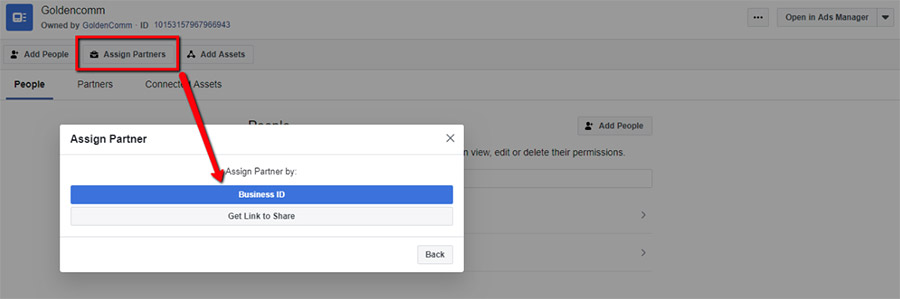
- Go to the Ad Account tab and click Assign Partner.
- To give access, enter the Business ID below and select the Admin role:

GoldenComm Business ID: 10152253506341943