
OMG
OMG Resources
User Acceptance Testing (UAT)
To test website changes made:
- Open your browser in an Incognito window. This will help avoid caching and cookie issues.
- Open the website/page you are testing
- Clear your browser cookies by typing Control+F5 in Windows (or Command+R on a Mac)
- Review changes made and report back to GC. If you don’t see any updates, go to step 5 and also report which URL’s you are testing.
- Browser Emulation:If you are having issues on your computer viewing updates or changes to a web page, visit this website https://www.whatismybrowser.com/ and click “Copy to Clipboard” and send the link back.
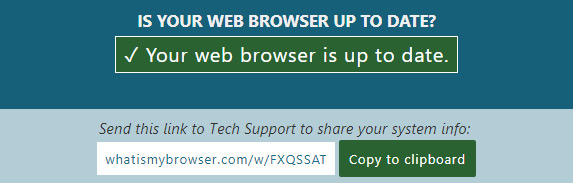
This will allow us to emulate your browser type/size/version/etc… so we can “see” what you see to further troubleshoot.